
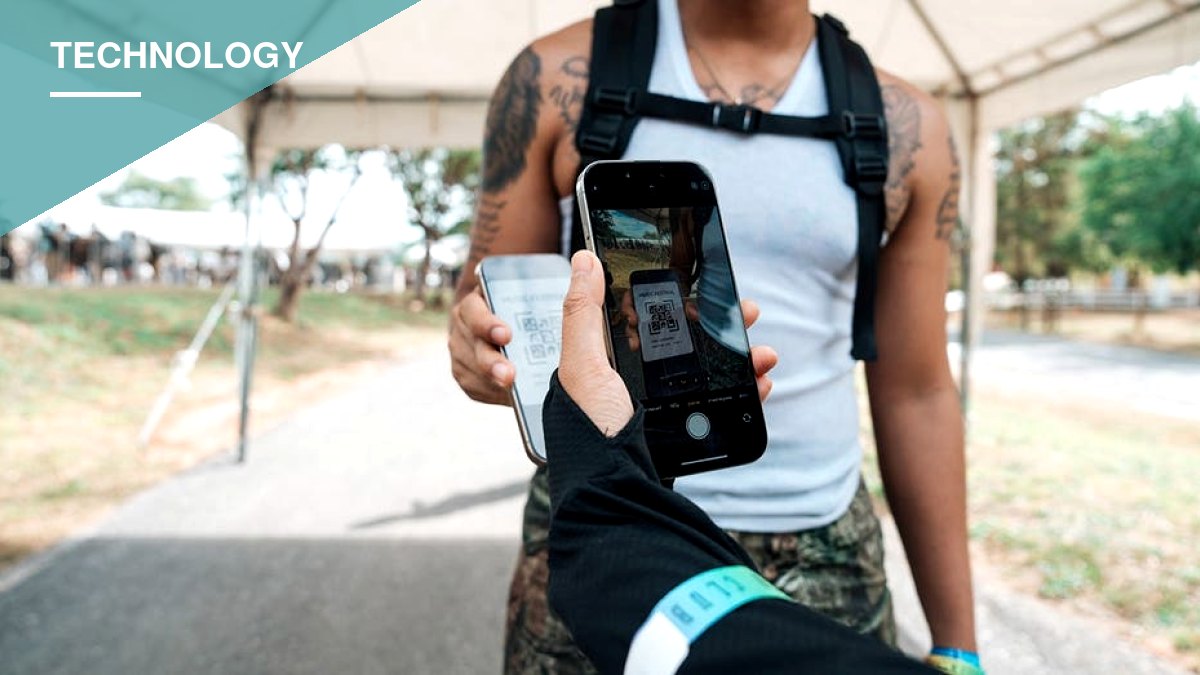
Apple’s new iOS 27 software gives iPhone owners a way to digitize membership and loyalty cards that never had an official “Add to Apple Wallet” button, closing a gap that has long forced people to carry plastic cards alongside their phones.
Until now, getting a card into Apple Wallet depended on whether the issuing organization built its own digital pass. With iOS 27, users can instead create a pass themselves from a physical card, a photo, or a screenshot, as long as the card has a barcode or QR code that a business or organization scans. Apple points to library cards and gym memberships as typical examples.
On Apple Intelligence-compatible devices, including the iPhone 15 Pro, iPhone 15 Pro Max, iPhone 16 family and later supported models, the system can recognize a barcode or QR code directly from a photo and offer to add it to Wallet automatically. Apple Intelligence availability also depends on language and region. iOS 27 also includes a manual option for building a pass inside the Wallet app for anyone without a supported device, and users can later customize the pass’s appearance or edit the information it displays.
Samsung and Google already offer comparable tools. Samsung Wallet can store almost any membership card that carries a barcode, and Google Wallet lets users create passes from images containing a barcode or QR code, citing library cards, gym passes and parking passes as examples. Both companies also support certain memberships that are built directly into their wallet apps, letting users pull up a scannable barcode without photographing anything.
Where the feature works best — and where it doesn’t
The best candidates for this approach are cards whose sole function is to display a barcode or QR code for a cashier or scanner — library cards, gym memberships, store loyalty cards and similar passes. A simple test applies: if a static barcode printed on the card is normally scanned at the counter, a digital version will likely work the same way. Users are advised to hold onto the physical card until they’ve confirmed the digital pass actually scans, since some readers struggle with phone screens and some organizations still require the original card.
The feature has real limits that touch directly on security and identity. Photographing a card and loading it into a digital wallet does not make it an official credential. A driver’s license, a credit card, a secure workplace badge, or any other sensitive form of identification should not be treated as replaceable by a photo-based pass. Some credentials require formal verification from the issuing organization, and payment cards carry their own separate enrollment and security requirements that a simple photo can’t satisfy.
Event tickets are another area for caution. Many ticketing services now generate barcodes that change or refresh to prevent fraud, meaning a static screenshot could simply fail to scan at the gate. Whenever an issuer offers its own official