
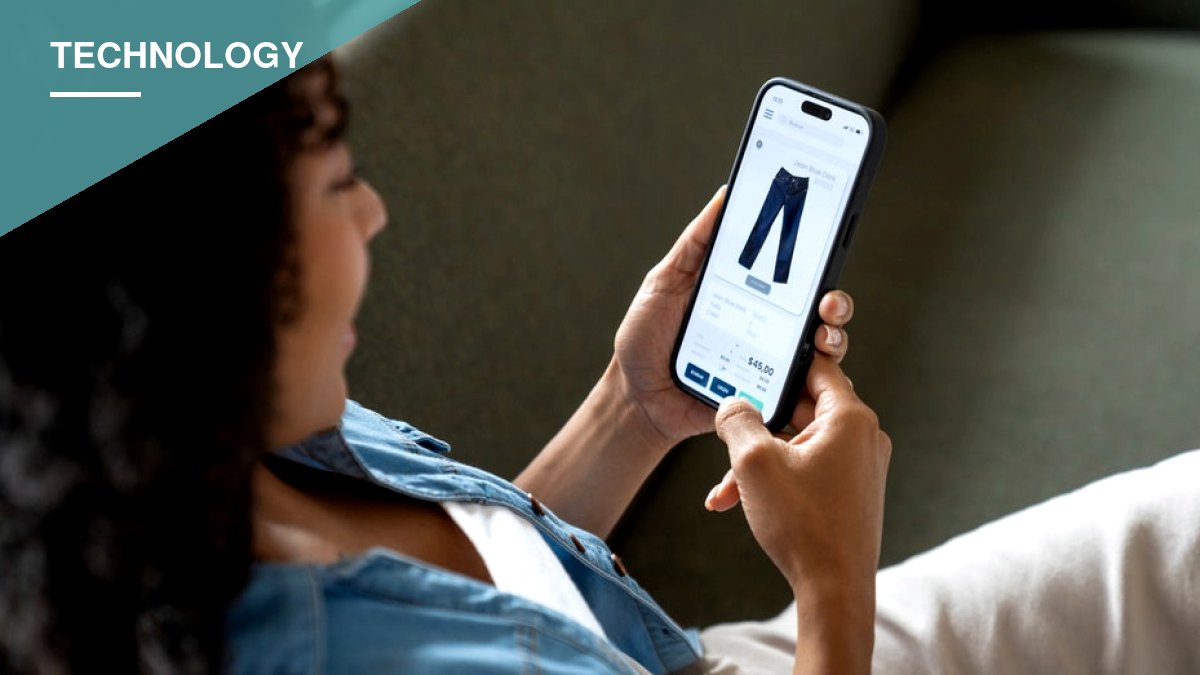
Shoppers no longer have to manually refresh a product page to catch a price drop. Built-in tools in Apple’s Safari browser and Google’s shopping features can now monitor listings and send an alert when prices fall or sold-out items come back in stock.
Apple introduced a feature called Notify Me in Safari with iOS 27. Users can tell Safari to watch a specific webpage — for instance, a pair of headphones — and get notified when the price drops below a chosen threshold, or when a sold-out item becomes available again. Safari checks the page at intervals the user selects: hourly, daily, weekly or monthly. The feature isn’t limited to shopping; it can also be used to watch for event tickets going on sale or a registration page opening.
Notify Me requires Apple Intelligence, which limits it to newer hardware. It works on the iPhone 15 Pro, iPhone 15 Pro Max and iPhone 16 or later, but not on the standard iPhone 15 or iPhone 15 Plus, since those models don’t support Apple Intelligence.
Alternatives for Older iPhones, Samsung and Pixel Devices
Owners of iPhones that don’t support Apple Intelligence can instead use Google Chrome, which offers price tracking on supported product pages for iPhones running iOS 15 or later, including iOS 27. The feature requires a signed-in Google Account with history synchronization enabled. Tracked items appear under Chrome’s three-dot menu, under Bookmarks and then Tracked Products, with alert settings found under Settings, then Google services.
Samsung Galaxy and Google Pixel users can rely on Google’s shopping tools through the Google app, which functions similarly across both platforms. Google can send a notification or email when a tracked product reaches the chosen price, provided the user is signed into a Google Account with notifications enabled. Chrome on these devices offers similar tracking, requiring users to be signed in, with tab and browsing-history syncing turned on along with the “Make searches and browsing better” setting.
Google also rolled out a feature called Universal Cart in the United States this month, available through Google Search and the Gemini app. It lets shoppers save items from multiple retailers in a single cart, monitors prices across those saved products, flags promotional codes, and suggests payment options. Checkout can be completed through Google Pay or directly on a retailer’s site. The feature is still rolling out and may not yet appear for every account.
What to Know Before Turning These Features On
None of these tools guarantee the lowest possible price — an alert only means a price has changed, not that it’s the best deal available. If a tracking option doesn’t appear for a given product, it may simply not be supported on that retailer’s page or for that account.
There’s also a trade-off worth weighing. Google’s price-tracking tools rely on a user’s Google Account to manage alerts, and some Chrome shopping features require turning on additional data-sharing settings, including the one that lets Chrome send browsing-related information to Google to “improve its services.” Apple’s Notify Me, meanwhile, relies on Apple Intelligence to monitor webpages on the user’s behalf. Anyone concerned about how much account and browsing data these companies collect should review those settings before enabling the features rather than accepting the defaults.
Users should also be cautious of price-drop alerts or shopping links arriving from unfamiliar senders, since scammers have been known to fabricate fake sale notifications that lead to fraudulent sites.